
Modernizing a Hayes Optima 9600 modem
2024.04.12 - posted in retrocomputingIn the previous months, SuperIlu posted information about a wifi-modem replacement board for a Hayes Optima 2400 on Mastodon. This particular board from Tattler Solutions is a complete PCB replacement, featuring a cool audio handshake being played upon dialing! :D
From their site:
The WiFi Retromodem is a non-destructive replacement of the PCB in an external Hayes Smartmodem 1200 or 2400. Note: while it will fit in the later Smartmodems, the LEDs of the Retromodem in the Hayes Optima series aluminum cases are offset slightly from the letters below. The Retromodem is based on the ZiModem software available on Github. A PDF of the README.md file can be found at the bottom of this page. V4 adds SSH support.
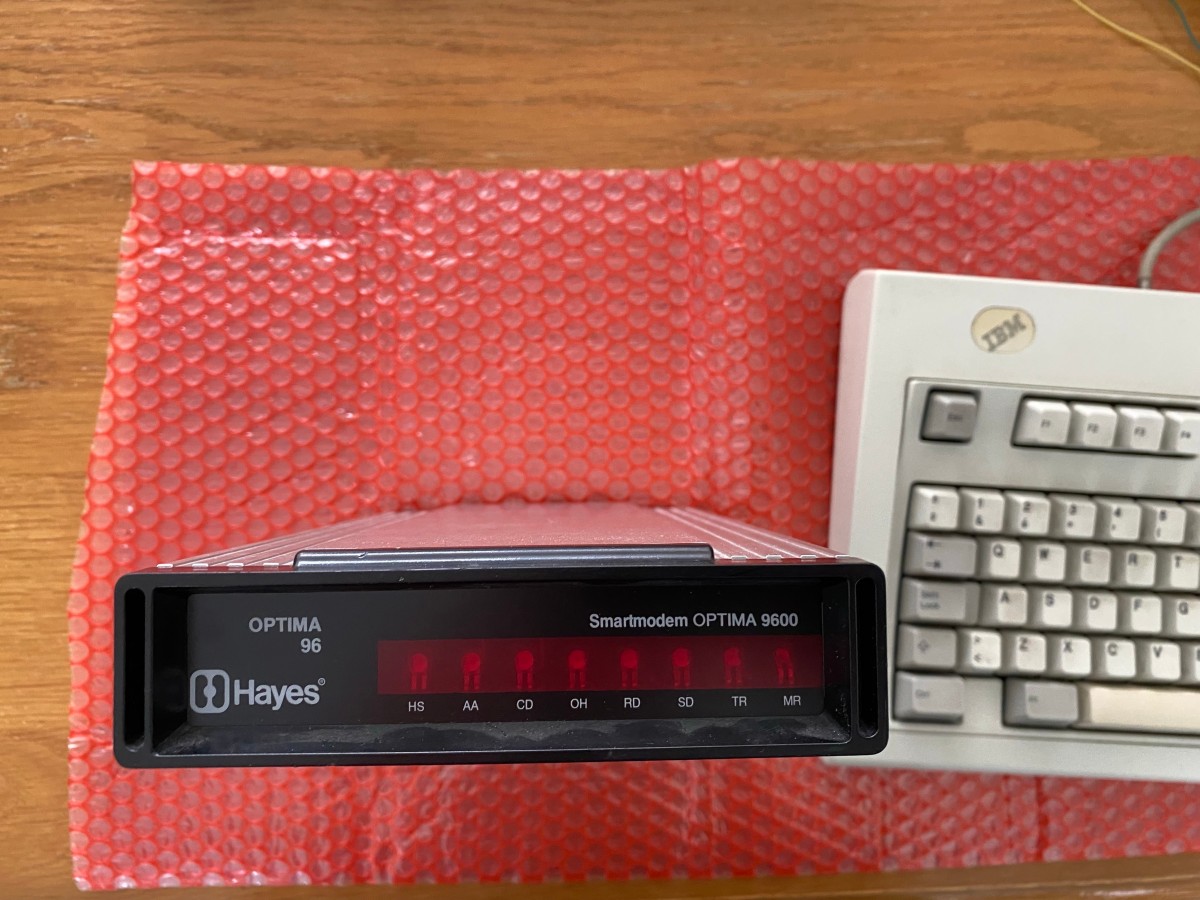
Growing up in the eighties and nineties, dialing into BBS’es and internet providers, I knew I had to get one. So the quest started by ordering a V4 board from Tattler Solutions and finding a suitable donor. Somehow this old stuff is hard to find in Europe (at least when I was looking for it). I bought a Hayes Optima 9600 on eBay without a power supply. I was honestly just looking whether the housing was ok, since the PCB would be replaced anyway. I found a donor with some nice ‘patina’ and had it shipped over.
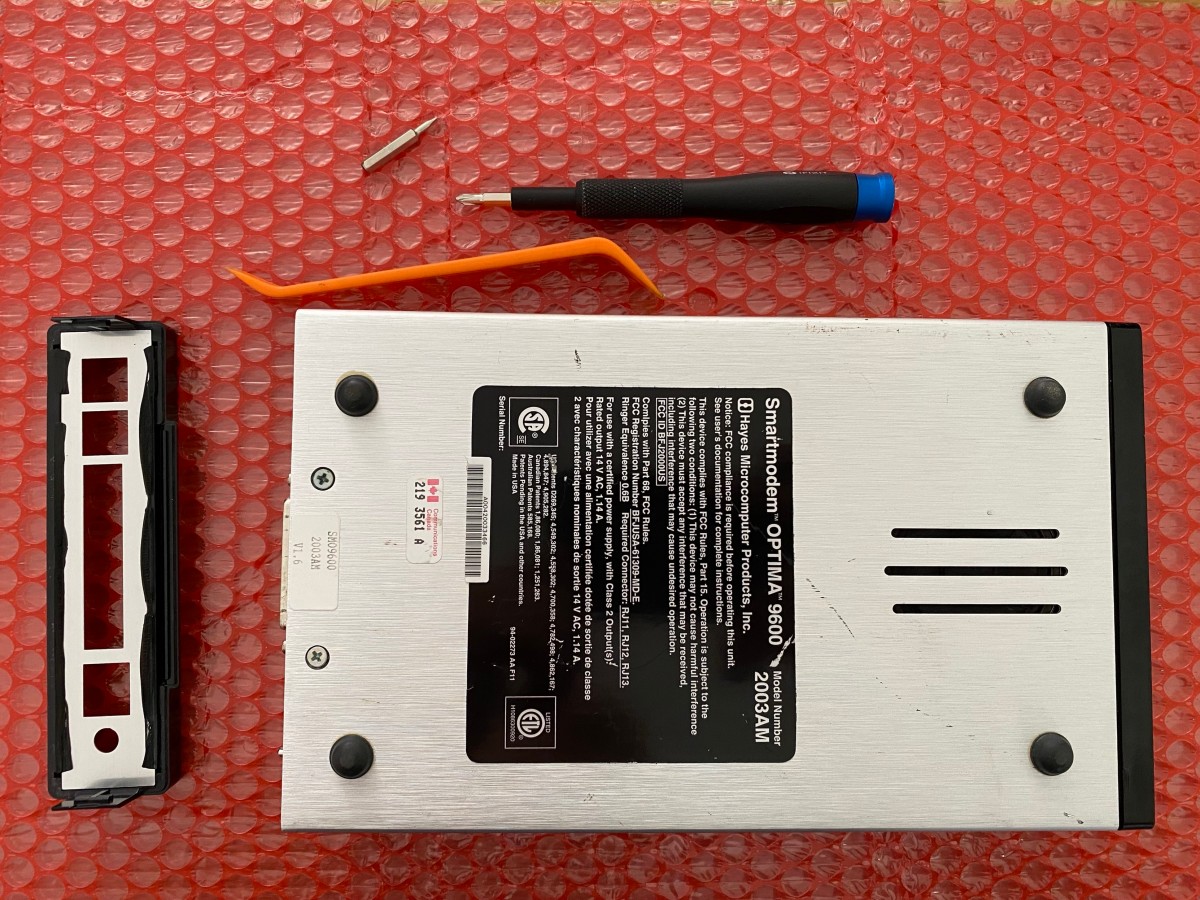
Once the replacement PCB arrived as well, I could start the transplant, which wasn’t too difficult as I just had to remove 2 screws and pop the back off, which is easy to do with a prying tool.
 s
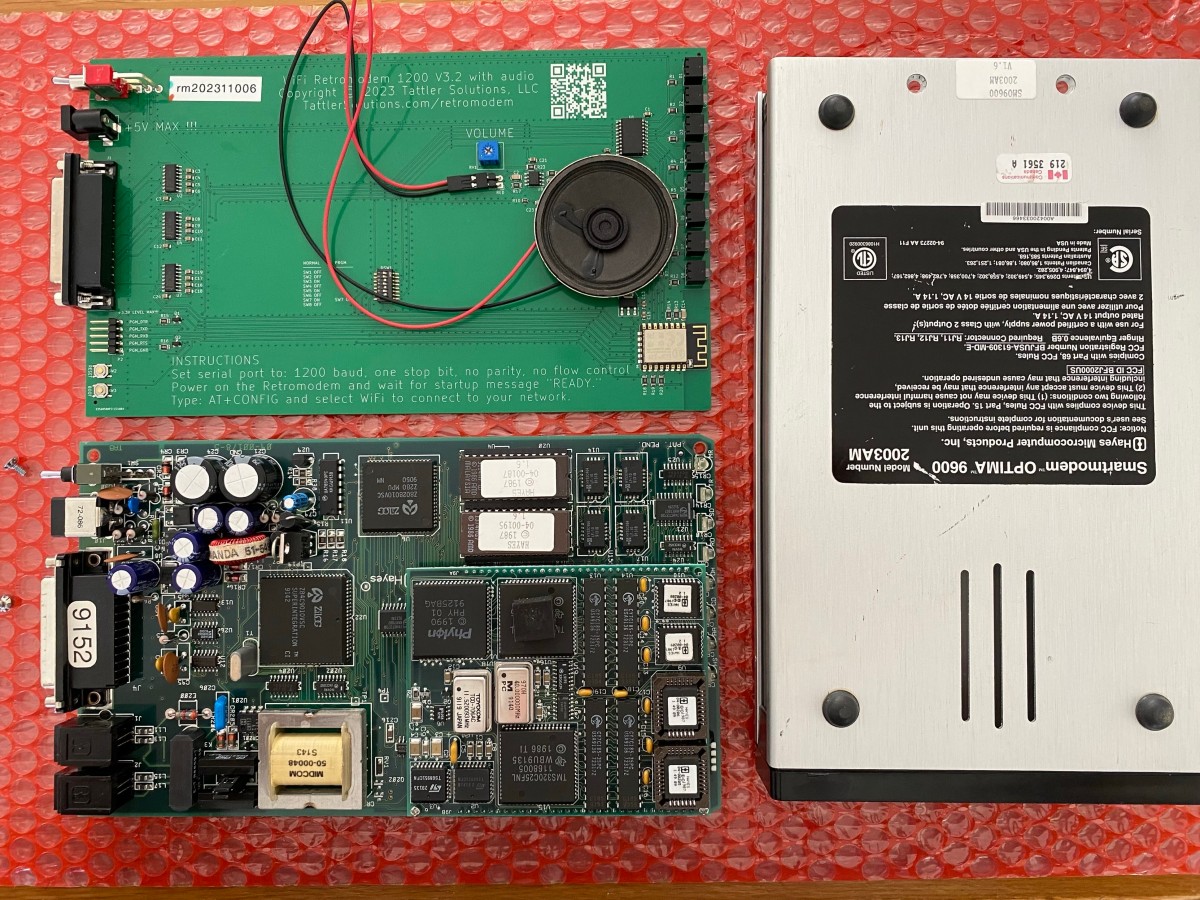
Once the old PCB is removed, it looks like this:
s
Once the old PCB is removed, it looks like this:
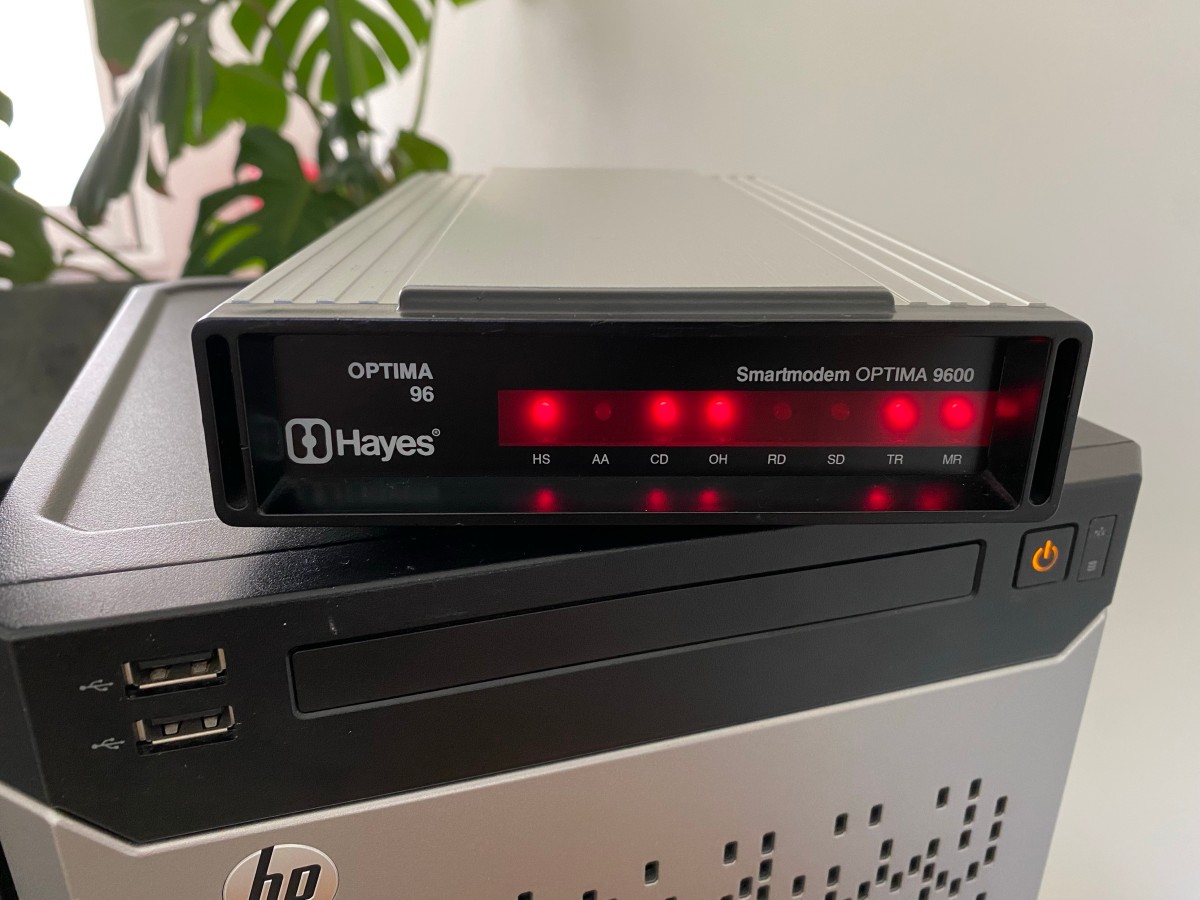
After putting everything back together, we can dial BBS’es from systems with a serial port like it’s the nineties! The offset of the LEDs isn’t noticable at all.
Trying several different systems, I noticed that if your system is not equipped with 16550 UARTs, you’re limited to 57600 bps.
As I had no use for the old PCB, I listed it for free on a local marketplace where someone declared interest. I sent it to its new owner.
.EOF.